

Overview
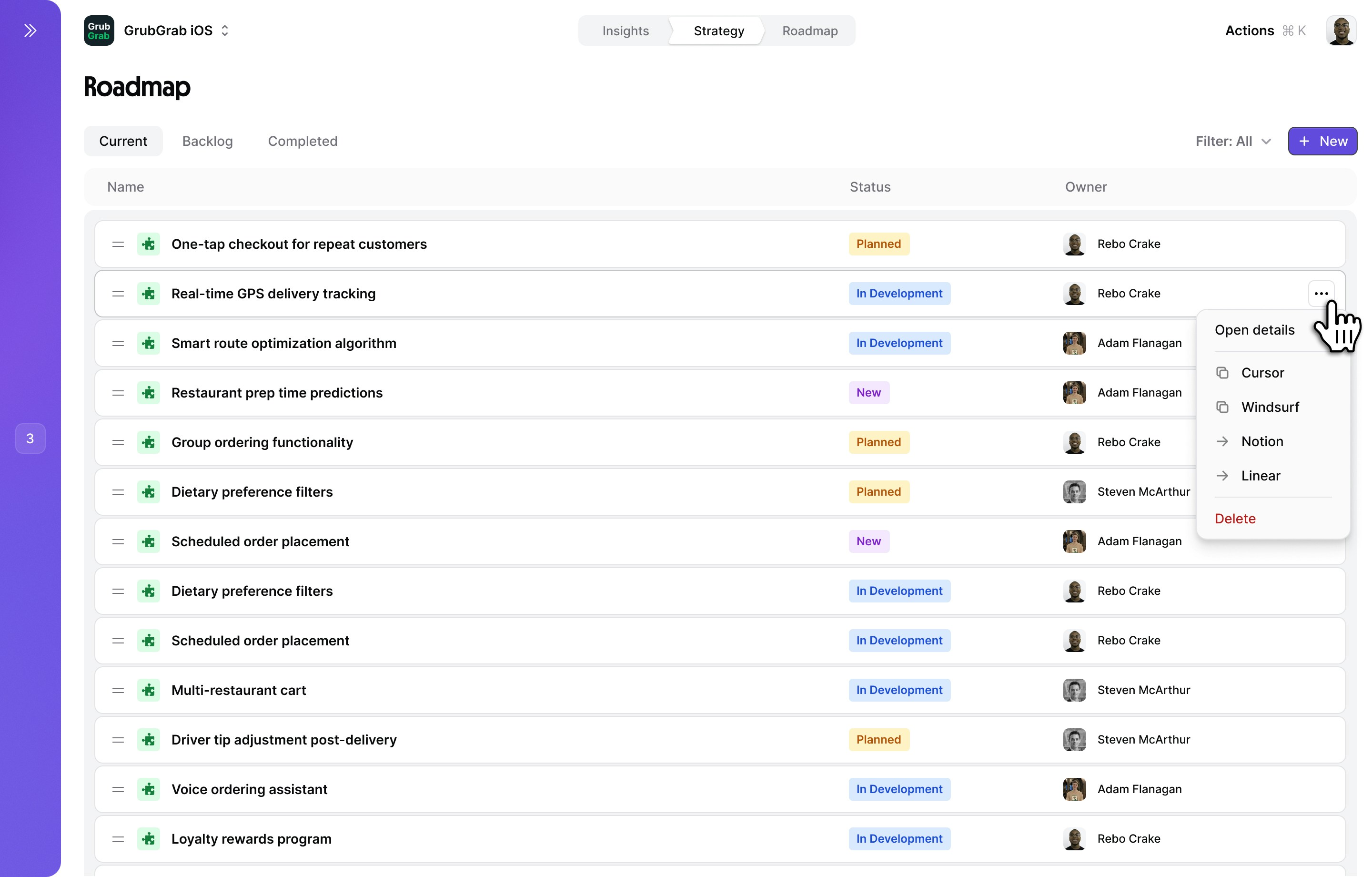
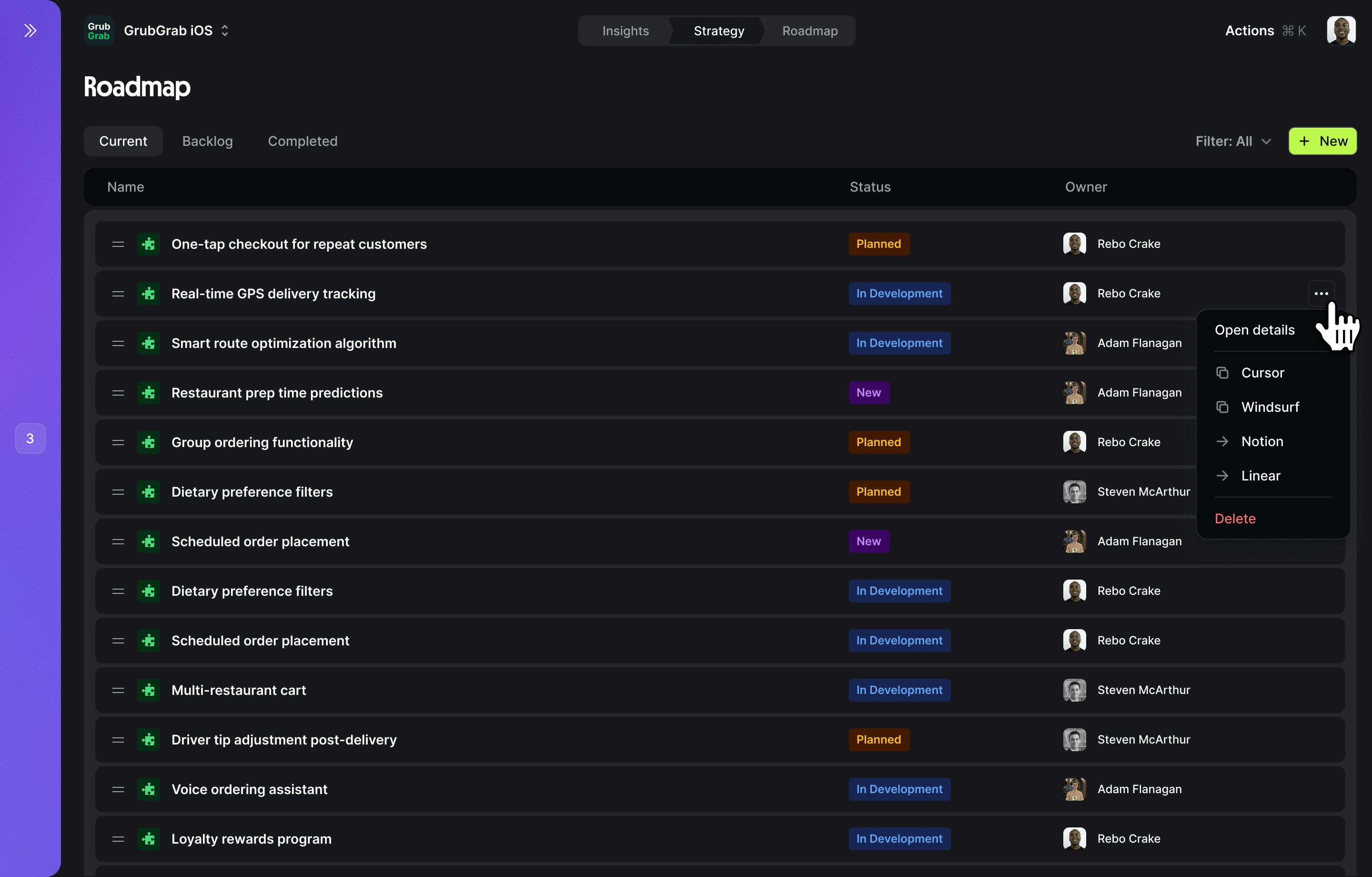
Squad Roadmap transforms your strategy into an actionable delivery plan. Using a kanban board layout, you can visualize and organize solutions across different stages — from goals through to delivery — giving your team a clear picture of what’s planned and what’s in progress.Your roadmap automatically syncs with your Strategy Map, ensuring every solution traces back to opportunities and goals.
Roadmap interface
Kanban board
The roadmap is organized as a kanban board with four columns:| Column | Purpose |
|---|---|
| Goals | Your strategic goals with progress indicators and metrics. Each goal card shows an “Add metric” button to track measurable outcomes. |
| Now | Solutions actively being worked on right now. |
| Next | Solutions queued up and ready to start soon. |
| Later | Solutions planned for the future but not yet prioritized for immediate work. |
Tabs
The roadmap has two tabs:- Current
- Resolved
Active roadmap — Your kanban board showing all in-flight and planned work across the Goals, Now, Next, and Later columns.
Controls
The top control bar provides quick actions:- ”+ New Solution” (purple button) — Create a new solution and add it to the board
- “Export” — Export your roadmap in various formats
- “Sort: Custom” — Change how solutions are ordered (custom, impact, effort, etc.)
- “Filter: All” — Filter solutions by status, owner, goal, or other criteria
Prioritization methods
Manual priority
Drag and drop solutions into your preferred order
Impact score
Auto-sort by potential impact on your goals
Custom fields
Sort by status, owner, effort, or any custom field
Managing solutions
Roadmap actions
- Drag between columns — Move solutions from Later → Next → Now as priorities shift
- Change status — Click the status badge to update progress
- Assign owner — Click the avatar to reassign responsibility
- View details — Click anywhere on the card to open the side panel
Solution details panel
Clicking a solution opens a side panel for deeper work:- Overview
- PRD (one-pager)
- Tasks
- Solution name, description and hypothesis
- Connected opportunity and goal
- Status and progress tracking
Roadmap workflow
Collaboration features
Roadmap sharing
Share your roadmap with team members or tools:- Live views
- Export options
- Integrations
- Executive view: High-level progress on strategic initiatives
- Team view: Detailed status and blockers
- Public view: Customer-facing roadmap (filtered)
Team coordination
Owner
Clear ownership for every solution and task
Comments
Discuss blockers and decisions in context
Updates
Automated notifications for status changes
Best practices
Limit work in progress
Keep “Now” focused on what you can actually deliver
Regular grooming
Review and reprioritize your roadmap weekly
Define done
Clear success criteria for every solution
Measure impact
Track actual vs. expected results post-launch
Roadmap examples
Related features
Strategy
Define what to build in your strategy map
Chat
Get AI help prioritizing your roadmap
Insights
Track the impact of shipped solutions